Studio notes
Virtual try-on: how to use a photo of your outfit
Published 15 July 2026 · 5 min read
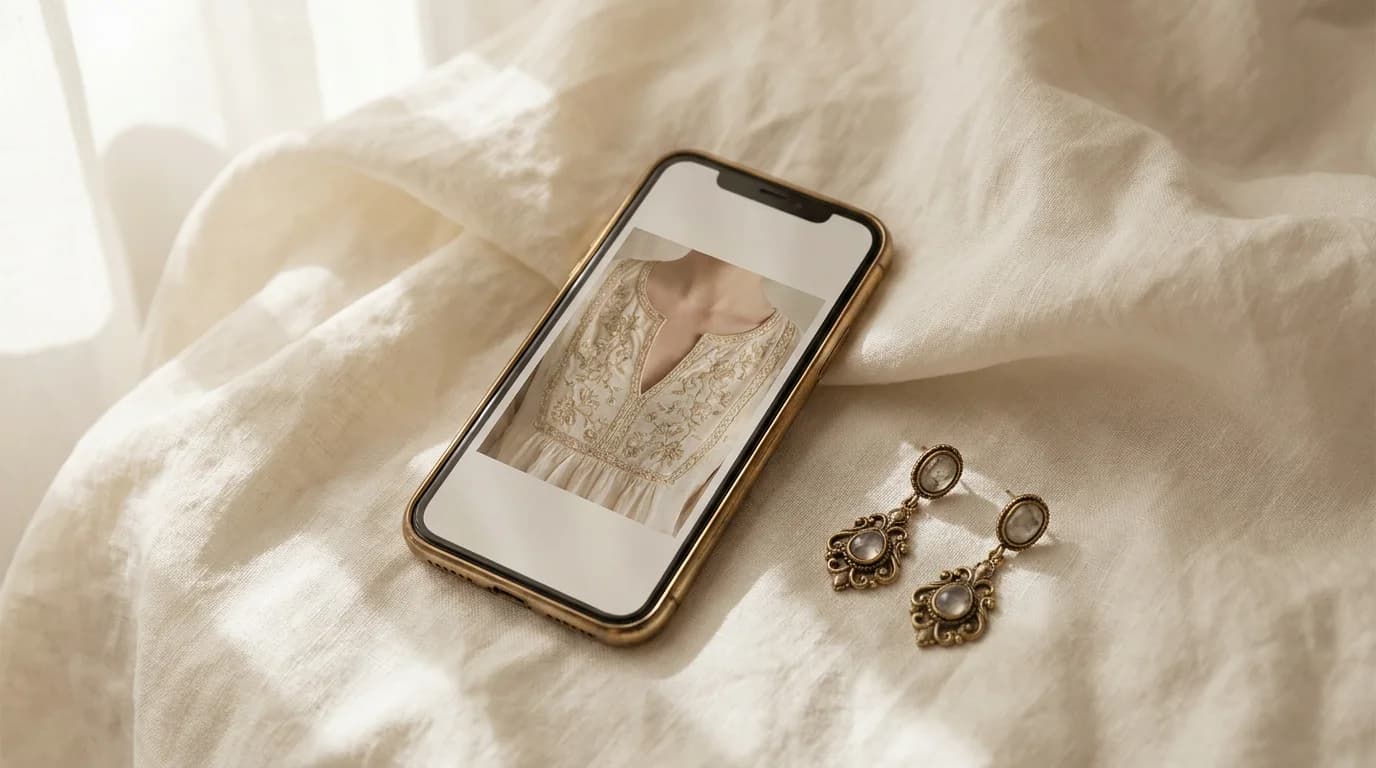
Product photos answer one question: what does the piece look like. They leave another unanswered: what does it look like on you, in the clothes you will actually wear. That second question is where most jewellery regret lives — not in metal quality, but in scale against a neckline you forgot to account for.
AABHA’s virtual try-on is built for that gap. Processing stays on your device; you can open the camera or upload a still. For wardrobe decisions, the upload path is usually better: you choose the exact outfit, the exact light, and you can take your time.
Photograph the outfit, not a selfie mood
Stand in even daylight or a single soft indoor lamp. Face the camera straight on, hair off the ears if you are testing earrings, and keep the neckline fully visible — no scarf bunched at the collar, no phone hand covering the clavicle.
Frame from mid-forehead to mid-chest for earrings and nose pins; from chin to sternum for pendants and chokers. The studio needs landmarks, not a fashion editorial crop. A slightly boring, clear photo beats a beautiful one that hides your jawline.
Upload, then adjust once
In the studio, choose Upload a photo, then pick the piece you are weighing — a drop, a hoop, a pendant. Let detection settle. If the overlay sits a few millimetres off, use the manual scale and offset controls rather than re-shooting immediately; small corrections are normal across face shapes and camera lenses.
Toggle before/after to see the bare neckline again. That flip is the whole point: you are judging whether the piece fills the vertical strip of attention once, deliberately — or whether it fights the collar, embroidery, or blouse edge.
What you are reading for
Ask three questions only. Does the drop end above the fabric line, or does it graze it? Does the pendant sit in open space or compete with print? Does the piece still read when you imagine your usual parting and earrings-out-or-in habit?
If two candidates both ‘look fine,’ prefer the quieter one against a worked neckline, and the more vertical one against a plain V or boat neck. The studio will not choose for you — it removes the guesswork that used to require a courier and a return.
When to open the live camera instead
Use the camera when you are already dressed and deciding in the moment — last-minute gifting, a blouse change, or checking movement on a drop. Privacy stays the same: landmarks are processed on your device. Snapshot export downloads locally if you want a side-by-side later.
Still stuck between three options? Run the Style & Fit Advisor for a short shortlist with reasons, then bring the finalists back into try-on with the same outfit photo. Rules of thumb help; your face and your clothes settle the argument.
Proportions are personal. The style advisor can shortlist pieces that fit your occasion and wardrobe — then check the millimetres on each product page.